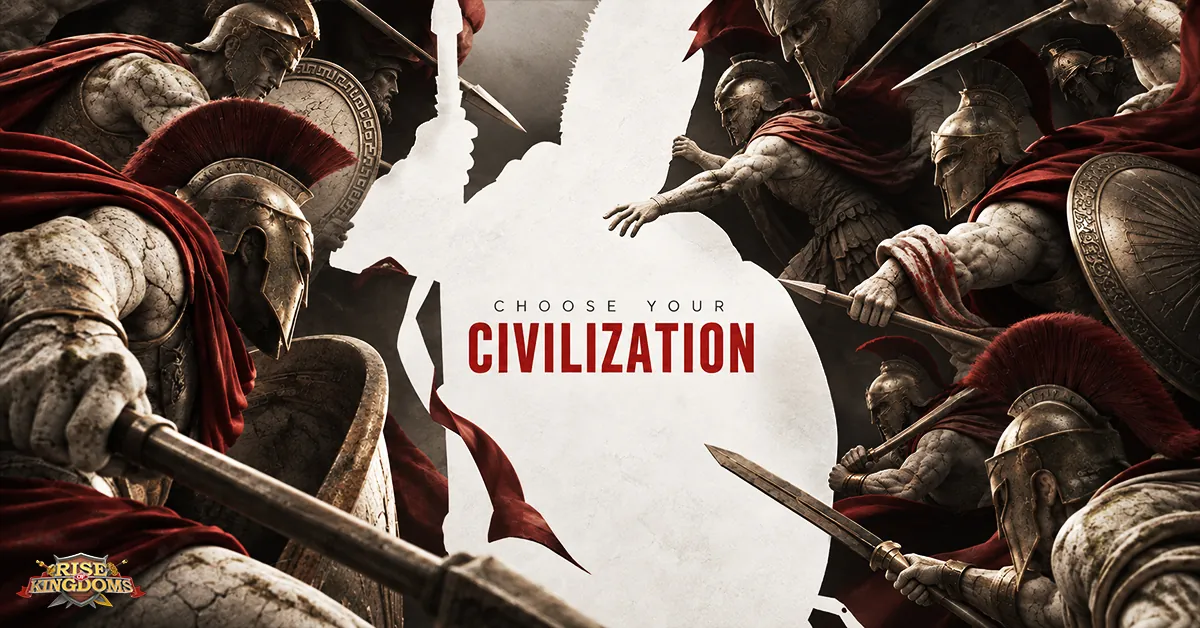
You can play Rise of Kingdoms on PC for free in two official ways: Lilith's own Windows client from rok.lilith.com, or Google Play Games on PC, where the game is listed as "Rise of Kingdoms: Lost Crusade". On a Mac, Lilith points to the App Store, which needs an Apple M1 chip or later. It is not on Steam. This Rise of Kingdoms PC guide compares the three routes and how to keep your progress.
Can you play Rise of Kingdoms on PC?
Rise of Kingdoms has had an official PC version since April 6, 2022, the date of the launch video on the game's official YouTube channel and the Windows and macOS release date on Wikipedia. On November 9, 2026, Lilith's site shows a "Windows" button and a "Mac App Store" button, and Google lists the game in its Google Play Games on PC catalog (rok.lilith.com; Google Play).
What Lilith promises for its PC version, in its own words on rok.lilith.com: "No Lags or Disconnects | Chat as You Play | Fluid & Convenient Gameplay | High-Quality Graphics", and a version "compatible with most computer models and screen sizes". That is the publisher's pitch, not a measurement.

This 15-second official clip gives an idea of the game before you read the setup details; it shows a city growing one building at a time. You can also try Rise of Kingdoms on your computer for freetry Rise of Kingdoms on your computer for free.
Rise of Kingdoms PC options compared
Pick the route by your machine: a Windows PC can use either of the first two, a recent Mac only the third.
| Route | What you get | What it needs | Source |
|---|---|---|---|
| Lilith's Windows client | An installer of about 86 MB, then a launcher that keeps the game updated | Lilith publishes no requirements | rok.lilith.com |
| Google Play Games on PC | The "Lost Crusade" listing, installed through Google's PC app | Windows 10 (v2004), SSD with 10 GB free, 8 GB RAM, 4 physical cores, Intel UHD 630 or comparable, admin account, hardware virtualization | Google Play, updated October 22, 2026 |
| Mac (App Store) | The App Store version, linked from Lilith's site | macOS 11.0 or later and a Mac with Apple M1 chip or later | App Store |
There is no Steam version: a Steam store search on November 9, 2026 did not list the game. Emulators are not an official route either (see the emulator section below).
Short version: if your PC meets Google's requirements and you already use Google Play on your phone, Google Play Games is the most guided route. Lilith's client is the other Windows route; Lilith publishes no requirements for it, so there is no official minimum to check your PC against. Both reach the same kingdoms.

Route 1: Lilith's Windows client
This is the publisher's own PC version. On rok.lilith.com, the "Windows" button serves an installer of about 86 MB (rokpc_….exe, according to the file headers Lilith's server returned on November 9, 2026, read without running the file). Lilith says the PC version "has a launcher for background updates", so the installer is small and the game itself comes after.
- Start from the Windows button on rok.lilith.com, and check that the page you start from is exactly rok.lilith.com (the file itself is served from one of Lilith's file servers).
- Run the installer and let the launcher fetch the game files.
- Log in with the account your mobile game is bound to (see "Keep your progress" below).
Lilith does not publish system requirements for this client: there are none on the site, and the /system-requirements address returned a 404 error on November 9, 2026. Some third-party sites print exact specs for it; we could not match them to any Lilith page, so we don't repeat them. For scale only, the App Store version weighs 2.3 GB (App Store, version 1.1.13.72 of November 3, 2026).
The game's official channel published this launch video for the PC version in April 2022.
Route 2: Google Play Games on PC
Google Play Games on PC is Google's Windows app for running Android games, and Rise of Kingdoms is in its catalog as "Rise of Kingdoms: Lost Crusade" (see what "Lost Crusade" means). Google's setup page describes the steps:
- On your Windows PC, open Google's Google Play Games page and get the installer from its main button.
- Open the file you got and follow the instructions. If your PC misses a requirement, the installer tells you and stops.
- If you are asked to turn on Windows Hypervisor Platform, accept and restart your PC.
- Sign in with the same Google account you use on your phone.
- Search for "Rise of Kingdoms: Lost Crusade", install it, then log in to your game account inside the game.
What Google requires, from the game's listing updated October 22, 2026 (minimums):
- Windows 10 (v2004) (listing)
- An SSD with 10 GB of free space
- Intel UHD Graphics 630 or a comparable GPU
- 4 physical CPU cores and 8 GB of RAM
- A Windows administrator account
- Hardware virtualization turned on
For better performance, Google's requirements page recommends a gaming-class GPU such as an Nvidia GeForce MX450 and 8 logical cores. The listing rates the game 4.0 from 822 reviews on November 9, 2026, the only PC-specific rating we found.
One caveat on the listing: it advertises sync across devices, with a footnote saying it "Might not be available for this game." Rely on your game account binding, not on Google's sync, to carry your progress.
Route 3: Rise of Kingdoms on Mac
On a Mac, the official route is the App Store. The App Store page lists "macOS 11.0 or later and a Mac with Apple M1 chip or later" (App Store, checked November 9, 2026), and Lilith's own site shows the same condition next to its "Mac App Store" button: "You must be using a Mac with an Apple M1 chip" (rok.lilith.com).
That leaves no official route for an Intel Mac. Some third-party guides describe a separate Mac client from Lilith; on rok.lilith.com the only Mac button links to the App Store, so that is the route we describe.
Keep your progress: bind your account first
Your progress lives on your game account, not on your device, but only once that account is bound to a login. Bind it in the game's settings to Google, Apple, Facebook or a Lilith account before you install on PC, so that logging in on PC brings up the same account.
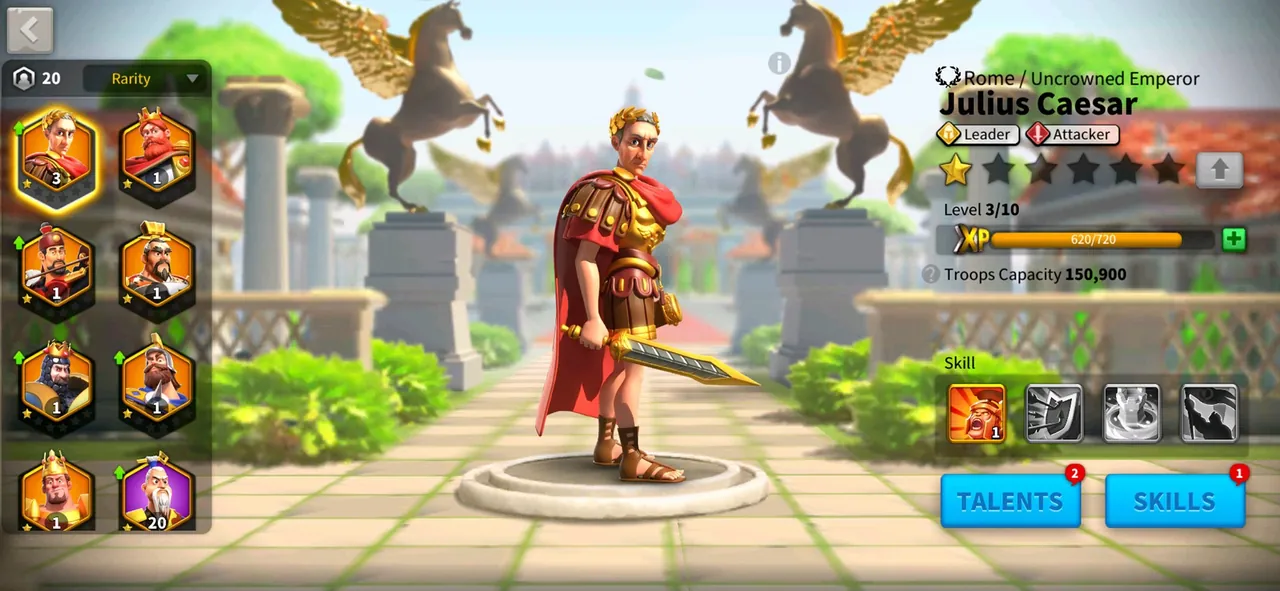
A third-party guide (riseofkingdomshandbook.com, August 18, 2026) sums up the result as "same account, same kingdom, same progress as mobile", and notes that "logging in on PC signs your phone out" (guide). In practice: one device at a time. If your alliance expects you online, keep that in mind before switching mid-event.
What changes on a big screen
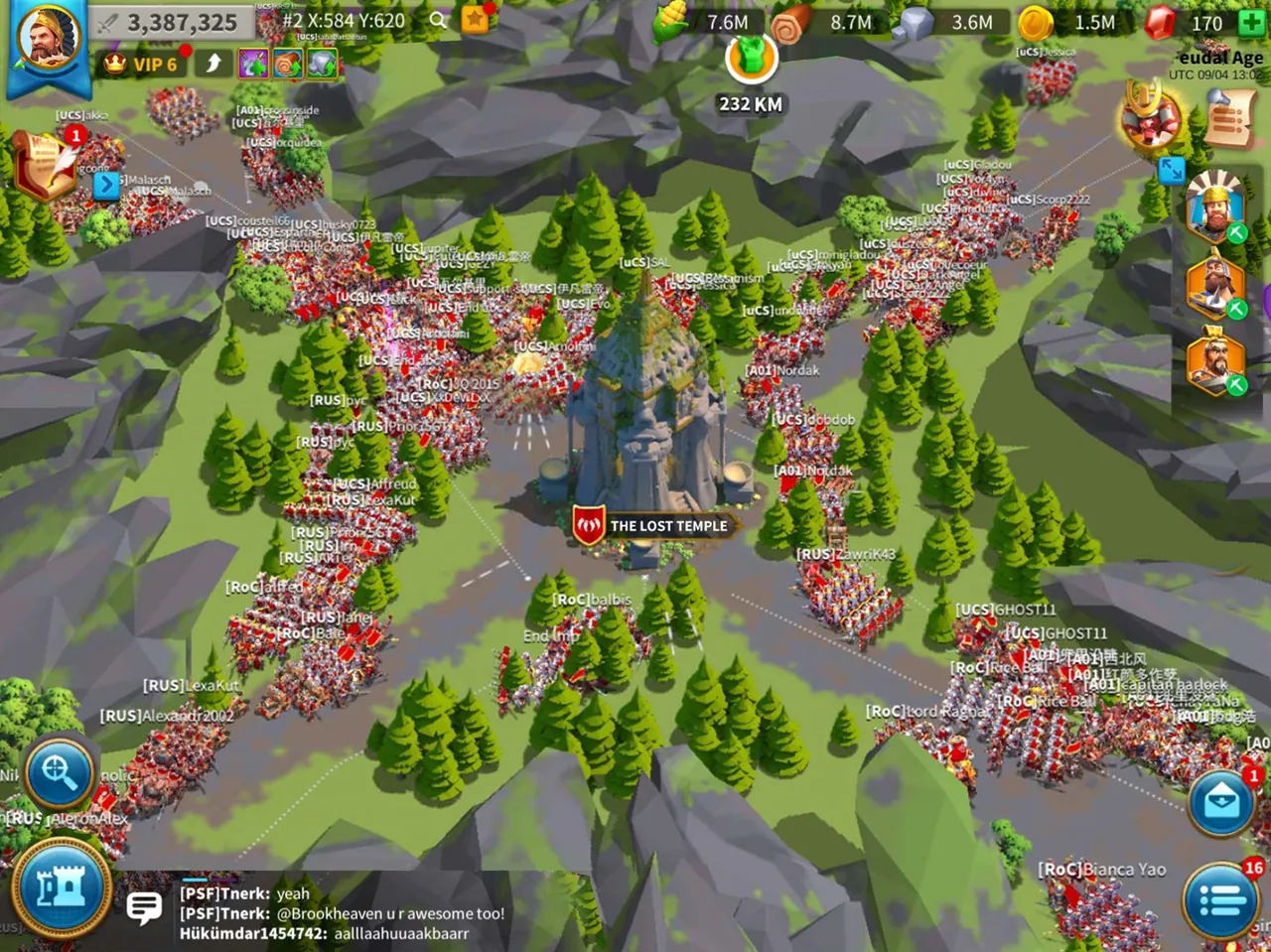
The PC version changes the controls more than the game. Lilith describes a shortcut that "allows players to read messages from their allies while they are in battle" without opening the chat panel (rok.lilith.com), and the riseofkingdomshandbook.com guide points to "native mouse and keyboard support rather than mapped touch controls" in Lilith's client. That matters most during rallies and KvK, when you move several armies at once. Neither Lilith nor Google says anything about controller support, so plan on mouse and keyboard.
I run it on a mid-range card and never touched the default settings. Loading is slow, but after that it plays smoothly at around 30 to 60 FPS in busy areas. On the App Store, the November 3, 2026 complaint about a constant pace of new commanders rings true.

To play in full screen on Google Play Games on PC, press F11 or Alt + Enter, or open the game options with Shift + Tab and click Full screen (Google Play Help). Lilith publishes no shortcut list for its own client.
Emulators: they work, but they aren't Lilith's
An Android emulator such as BlueStacks runs the phone version inside another program, and BlueStacks has its own page for the game. It is not a route Lilith offers, and the requirements that apply are the emulator's, not the game's. The same BlueStacks page lists features such as macros, scripts and multiple instances.
Be careful with those. Lilith's terms of service forbid bots and "third-party software designed to gain an advantage, perceived or actual, over other Members" (section 17.1.18). Automating your marches with a macro can fall under that rule and risks a ban. If your PC can run either official route, there is little reason to add an emulator.
If it won't install or run
Most fixes below come from Google's own help pages, because Lilith publishes no troubleshooting page for its client.
- Google Play Games stops during setup. Google says the installer notes the requirements your PC is missing and stops. Fix those items, or try Lilith's client, for which Lilith publishes no minimum to check against (setup page).
- Virtualization error. Turn on CPU virtualization in your PC's BIOS or UEFI settings, accept Windows Hypervisor Platform when prompted, then restart. Google notes that other emulators may stop working once Hypervisor Platform is on.
- The game shows as not playable on your PC. Google gives two common reasons: some games run only on PCs with Intel processors, and outdated graphics drivers (fix page).
- Lag or a frozen app. Right-click Google Play Games in the taskbar notification area, choose Exit, reopen it, then use Check for updates from the same menu.
- Someone else can't open it. Google says only the first Windows user who installed Google Play Games on PC can open it and play (setup page).
- Your city looks brand new. You logged in with an unbound or different account. Close the game and log in with the login your phone account is bound to.
- Lilith's client. For a problem with the client itself, the support address Lilith gives on its Google Play listing is rok-service@lilith.com (Google Play).
What to avoid
Search results for "Rise of Kingdoms PC" include pages on unrelated domains that offer the game as a file: a web search on November 9, 2026 returned several, on subdomains of sites that have nothing to do with games. Skip them. The only safe sources are rok.lilith.com, Google Play Games and the App Store. A modified client or an "optimized installer" can carry malware and can get your account banned; the official ones cost nothing anyway.
For what the game is and whether it suits you, read our Rise of Kingdoms game page.
FAQ
Can you play Rise of Kingdoms on PC?
Yes. Lilith offers a Windows client on rok.lilith.com, and Google lists the game on Google Play Games on PC as Rise of Kingdoms: Lost Crusade. Both are free and use the same game accounts as the mobile version.
Is Rise of Kingdoms on Steam?
No. A Steam store search on November 9, 2026 did not list Rise of Kingdoms. The official PC options are Lilith's Windows client and Google Play Games on PC.
Can I play Rise of Kingdoms on a Mac or MacBook?
Yes, if your Mac has an Apple M1 chip or later. The App Store lists macOS 11.0 or later and an Apple M1 chip or later, and the Mac button on rok.lilith.com points to that App Store page. There is no official route for Intel Macs.
Does my phone progress carry over to PC?
Yes, if your account is bound to a login such as Google, Apple, Facebook or a Lilith account before you switch. A third-party guide reports that logging in on PC signs your phone out, so you play on one device at a time.
What are the PC requirements for Rise of Kingdoms?
Lilith does not publish requirements for its own Windows client. For Google Play Games on PC, Google lists Windows 10 (v2004), an SSD with 10 GB free, 8 GB of RAM, 4 physical CPU cores, an admin account and hardware virtualization.
How do I play Rise of Kingdoms in full screen on PC?
On Google Play Games on PC, press F11 or Alt + Enter, or open the game options with Shift + Tab and choose Full screen. Lilith publishes no shortcut list for its own client.
Is Rise of Kingdoms any good on PC?
The only PC-specific rating we found is 4.0 out of 5 from 822 reviews on Google Play Games, checked November 9, 2026. For the PC version itself, Lilith promises a chat shortcut during battles and a launcher that updates the game in the background.
Sources
- Rise of Kingdoms, publisher site by Lilith Games (Windows and Mac buttons, PC version text, Mac tooltip; installer file headers read without running it), checked November 9, 2026
- Rise of Kingdoms PC Version: Official Launch, Rise of Kingdoms on YouTube, April 6, 2022
- Rise of Kingdoms: Lost Crusade, Google Play Games on PC listing, updated October 22, 2026, checked November 9, 2026
- Google Play Help: setting up Google Play Games on PC, checked November 9, 2026
- Check if your PC can run Google Play Games on PC, Google Play Help, checked November 9, 2026
- Fix issues with Google Play Games on your PC, Google Play Help, checked November 9, 2026
- Rise of Kingdoms on the App Store (US), version 1.1.13.72, checked November 9, 2026
- Steam store search for "rise of kingdoms", no Rise of Kingdoms result, checked November 9, 2026
- Lilith Terms of Service, checked November 9, 2026
- Rise of Kingdoms, Wikipedia, checked November 9, 2026
- How to Play Rise of Kingdoms on PC, riseofkingdomshandbook.com, August 18, 2026, checked November 9, 2026
- Rise of Kingdoms: Lost Crusade on PC, BlueStacks, emulator publisher page, checked November 9, 2026
Everything else lives in the Rise of Kingdoms hub · What Is Rise of Kingdoms Lost Crusade? · Rise of Kingdoms Best Commander Tier List (November 2026).