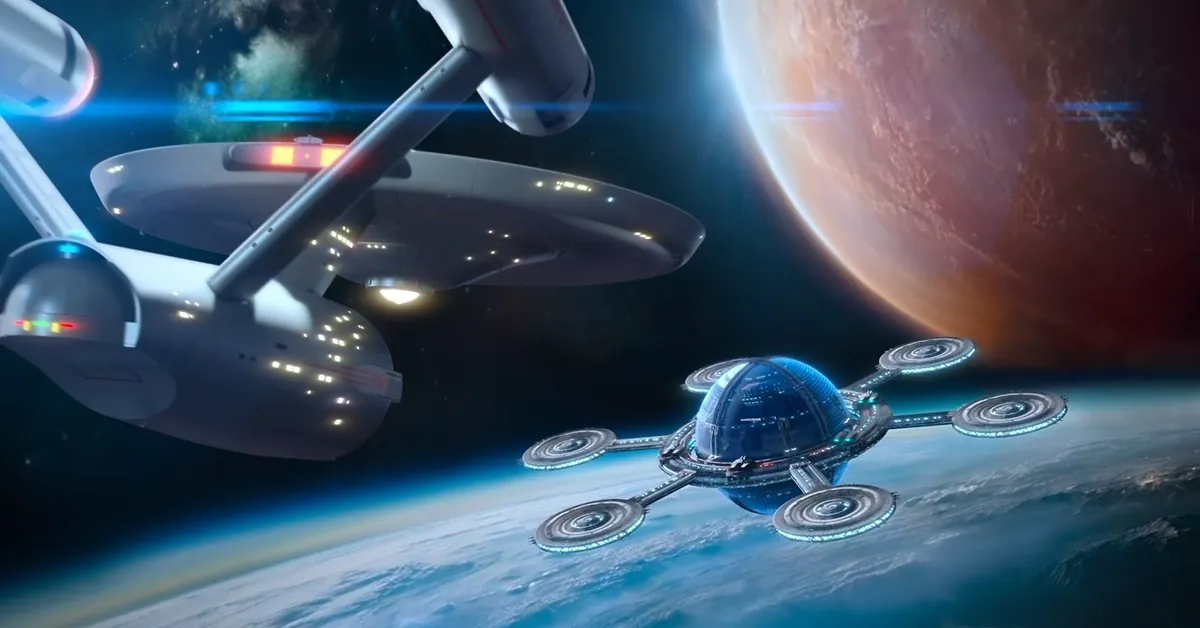
This Star Trek Fleet Command guide covers your first Operations levels in the order you meet them: follow the yellow missions, link a Scopely Account, claim Daily Goals, build ships and officers, then join an alliance before PvP opens at Ops 10. Star Trek Fleet Command is Scopely's free-to-play space strategy MMO on PC and mobile. Every Operations level and game rule below comes from Scopely's own help center or Academy guides, checked on November 9, 2026.
How Star Trek Fleet Command works
Scopely's help center lists seven things to do in Star Trek Fleet Command: upgrade your station, build ships, recruit and promote officers, play events and Daily Goals, claim the free reward chests regularly, work with your alliance, and join a faction to earn its trust (How Do I Play?).
You move between 4 views with the round buttons at the bottom right: the inside of your station, the outside (docks and defenses), the galaxy map and the current system. The number next to a system on the map is the average level of its enemies, which tells you where your ships can survive (Academy: Game Overview, May 2023).
For what the game is and whether it suits you, start with our Star Trek Fleet Command hub.
Step 1: Follow the yellow missions
Scopely "strongly recommends" focusing on Missions to progress, and you open them from the yellow exclamation mark in the bottom left corner, above the Alliance button (How Do I Play?).
Main missions are the story quests that form the game's main progression path (Missions & Daily Goals Guide). Pocket Gamer's beginner guide adds that side quests are a large source of experience and resources early on (Pocket Gamer, December 2021). Before you send a ship to a new system, check the number next to it on the map.
Step 2: Link your Scopely Account after the tutorial
Linking a Scopely Account is what saves your progress and lets you play the same account on PC and phone. New players can play the tutorial without an account, then save progress from Settings > General; existing players sign in with the Scopely Account they created on mobile (PC Launch help article). Do it the day you start, before you ever open the game on a second device.
Step 3: Claim Daily Goals from Ops 3
Daily Goals unlock at level 3 and refresh every 24 hours; each goal adds points toward milestone rewards, and both goals and rewards reset at the end of the cycle (Missions & Daily Goals Guide). Open them from the yellow Missions button, Daily Goals tab.
Step 4: Upgrade Operations and keep every builder busy
Operations is your player level: upgrading it unlocks new buildings and raises your weapon damage bonus (Academy: Station Guide, May 2023). Around it, three building types matter from day one:
- Generators produce resources over time.
- Warehouses set how much of each resource you can hold. A full warehouse stops collection from its generators.
- Vaults protect a set amount of resources from players who attack your station.
The basic resources are Parsteel, Tritanium and Dilithium, used for buildings, research and ship construction; you get them from generators, mining in space, missions, Daily Goals and events. Latinum is the rarest item and can buy resources or speed up timers (Academy: Resources Guide, May 2023). Keep research running at all times: the research tree is also where your second ship comes from (Step 5).
Step 5: Learn the combat triangle before you build a fleet
Picking the right ship type gives you "a slight advantage in battle", in both PvE and PvP, according to the Academy: Interceptors have a significant advantage against Battleships, Battleships have an advantage against Explorers, and Explorers against Interceptors (Academy: Ships & Combat, May 2023). Combat power still decides who wins.
| Ship type | Strong against | Weak against | Main job |
|---|---|---|---|
| Interceptor | Battleship | Explorer | combat |
| Battleship | Explorer | Interceptor | combat |
| Explorer | Interceptor | Battleship | combat |
| Survey | none | all three | mining and carrying resources |
The same Academy page says a battle lasts 5 to 10 seconds on average and that the game has over a hundred ships to collect (Ships & Combat). Your second ship, the Orion Corvette, comes from the second research node of the combat tree, or from blueprints in chests dropped by level 7 to 11 hostiles. Each drydock holds 1 ship, so more docks means more ships in space (Station Guide).
To grow a ship, upgrade all its components; that unlocks its tier up, which opens further component upgrades (Ships & Combat). The 35-second official clip below shows the ship upgrade screen, among other scenes. When you're ready to fly your own, play Star Trek Fleet Command free on PCplay Star Trek Fleet Command free on PC with the same account as your phone.
Step 6: Put officers on the bridge, and pick your captain
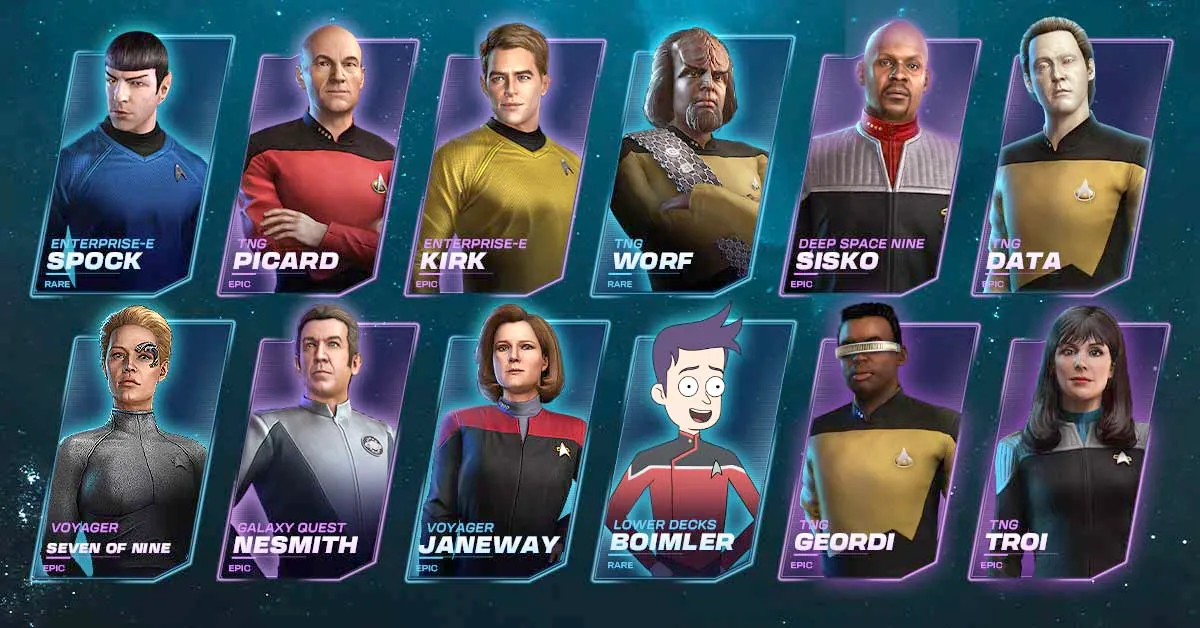
You assign them to the bridge to activate their abilities, and one bridge officer is the Captain, whose Captain's Maneuver only works from the captain seat (Academy: Officer Guide, May 2023). Officers with the same synergy group show a yellow lightning bolt and boost the Captain's ability when seated together.
You level officers with Officer XP and promote them once you hold enough of their shards; new officers come from recruit tokens (Officer Guide). Pocket Gamer's 2021 guide advises keeping recruit tokens for events, where limited officers have better rates, and not sinking resources into low-rarity officers (Pocket Gamer). Officers you don't seat can go on Away Teams from Operations level 8 (Away Teams).
Step 7: Mine with Survey ships, and watch the cargo
Survey ships are built for mining and hauling, not fighting (Ships & Combat). You send a ship to a mining node on the system map and it collects until its cargo is full, then sits idle on the node (Mining Guide). Other players can attack mining ships, and mined resources above your protected cargo are lost if you lose the fight. Bring miners home before you log off once PvP is open.
Step 8: Join an alliance early
An alliance speeds up every timer. Each Alliance Help you receive lowers the time left on a build or research; you send one request per timer with the purple Alliance Help button, and the number of helps depends on the alliance's level (Alliance Help and Contributions). Members of your alliance also can't attack your station (Combat Overview). If you only do one thing on your first day besides missions, find an active alliance and ask about its activity rules before you join.
Operations levels that change the game (level 10, level 15)
Five early Operations levels change what you can do, according to Scopely's help center (checked November 9, 2026; links in each row):
| Operations level | What changes | Source |
|---|---|---|
| 3 | Daily Goals unlock | Missions & Daily Goals |
| 8 | Away Teams (with the Shuttle Bay research and building) | Away Teams |
| 10 | Your ships can fight, and be attacked by, other players' ships | Combat Overview |
| 12 | Last level for a Server Transfer | Server Transfer |
| 15 | Station Combat: your station can be attacked | Combat Overview |
Below level 10 you can't attack or be attacked by other players' ships; after it, ships roaming or idle in System view are exposed, and you can only attack players whose Operations level is close to yours (Combat Overview). Ships in warp can't be attacked (Game Overview).
For what comes after the beginner phase, UltimatDJz Playz's April 2026 video covers priorities and "progression traps" for accounts in their Ops 20s (video).
Peace shields and station combat at Ops 15
A peace shield stops enemy ships from attacking your station, and from Operations 15 you need one whenever you log off exposed. The rules, from Scopely's Peace Shields Overview (help center):
- A free 10-minute shield turns on by itself after the first attack on your station, at most once every two hours.
- Attacking or even targeting another player's ship or station switches your shield off, whatever time is left.
- Shields don't stack: a longer one replaces the current one, and you can't start a shorter one while a shield is active.
- You start a shield from the shield icon on the right of the screen, or from Items, Other tab.
Faction lock levels explained
"Faction lock levels" are reputation thresholds, not Operations levels. Scopely's help center lists five Reputation Locks, and once you reach one, your reputation with that faction can't fall below it (Reputation Locks):
| Lock | Reputation tier | Starts at | Source |
|---|---|---|---|
| 1 | Tier 11, Respected | 10 million | Reputation Locks |
| 2 | Tier 17, Champion | 1 billion | Reputation Locks |
| 3 | Tier 23, Legend | 15 billion | Reputation Locks |
| 4 | Tier 29, Hero | 500 billion | Reputation Locks |
| 5 | Tier 35, Prestige VI | 450,000 billion | Reputation Locks |
Source: Reputation Locks, Scopely help center, checked November 9, 2026.
The locks matter for the Federation, Klingon and Romulan factions; Augment, Outlaw and Bajoran reputation has no locks and can't be lowered. For the Federation, a higher reputation opens new rewards and blueprints in the faction store, paid in Federation Credits; attacking the Federation or its allies in Federation space lowers it (Federation). Helping one of the three factions usually costs you standing with the others, so pick one to push first.
Is the Star Trek Fleet Command Battle Pass worth it for beginners?
The Star Trek Fleet Command Battle Pass is a recurring event released after every game update, found in the Events tab. It has a Free Path open to everyone and two paid paths, Elite and Mythic, bought in the Offers tab; you earn points by completing daily events marked with the Battle Pass icon, and buying Elite unlocks the Free Path rewards you already earned (Battle Pass help article). The help article gives no price, and neither do we.
Update 94 (August 17, 2026) put the pass back to 20 milestones, and finishing the Free track's last milestone now unlocks a Rare Officer; for players at Ops 20 and above, that officer is WOK Leonard McCoy (Update 94 Battle Pass changes). The new Starship Exchange, where Battle Pass Choice Tokens buy ship blueprints and parts, also starts at Ops 20, so a brand-new account sees less of the pass than a mid-level one.
Skip this if you plan to stay free: the Free Path pays out anyway, so play the marked events and see what you'd get before buying anything. UltimatDJz Playz's April 2026 video lists "battle pass traps" among its topics in its description (video), and Outside Views STFC presents the June 2026 pass, from before the Update 94 changes, in the video below.
Can you change servers or move your base?
Server Transfer is for new players only: level 12 and below, once per account, using the Novice Transfer Token from your Gifts, from Settings, Universe Transfer (Server Transfer). It is active on selected servers only, your alliance stays on the old server, and you land in a random system with a Relocation Token to move again.
Moving your base inside a server works from station hub planets, marked with a special icon on the map. You need a free slot on the planet, all ships docked at home and at least one Relocation Token, which comes from free gift chests, missions and some store offers (How Do I Move My Base?). Settle on your server before you pass Ops 12.
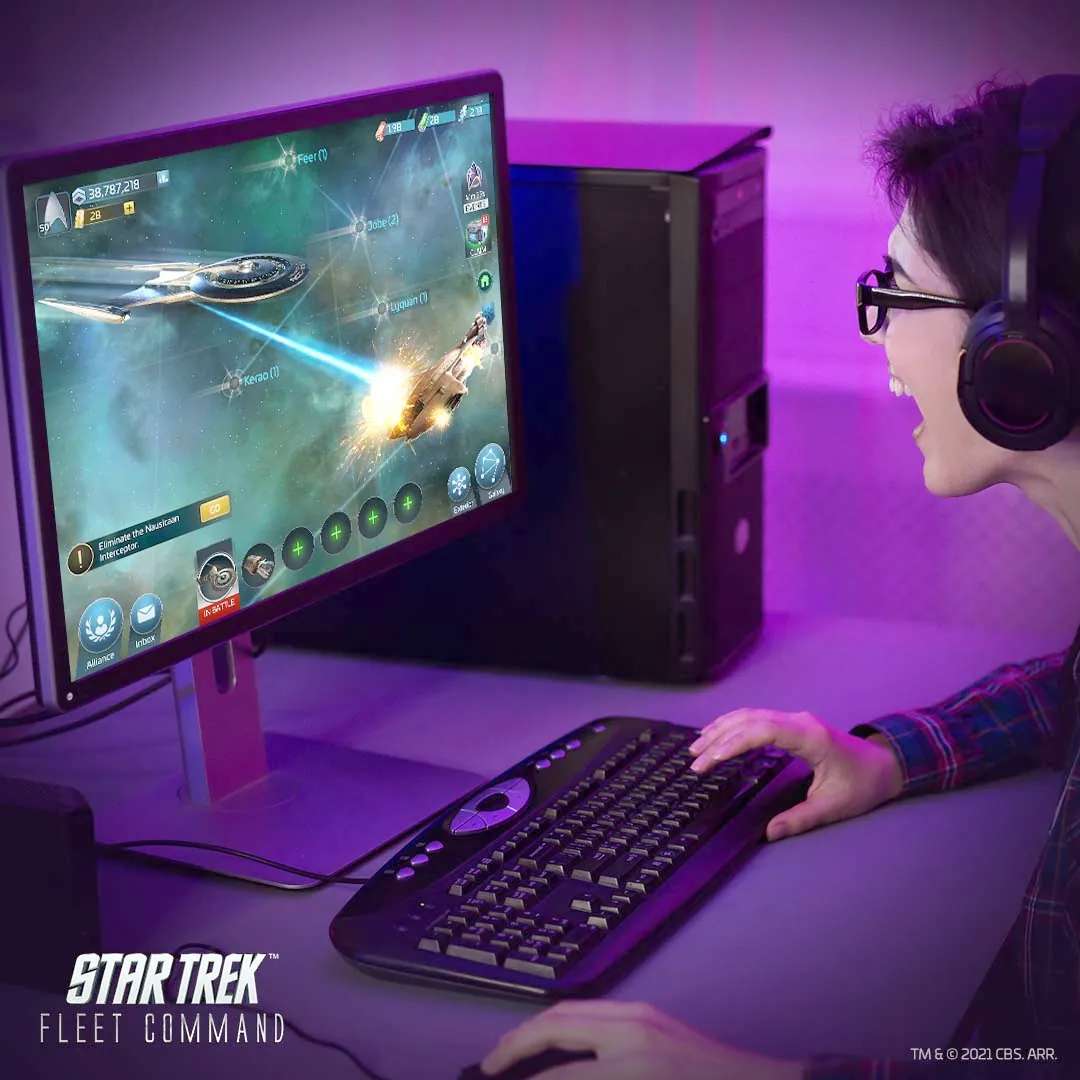
Playing Star Trek Fleet Command on PC
Star Trek Fleet Command has an official PC client, open to everyone since September 20, 2021 (official announcement). Today Scopely's site links a Windows OS and a Mac OS version next to iOS and Android (startrekfleetcommand.com, checked November 9, 2026). It is not on Steam. Steam does sell Star Trek: Starfleet Command Gold Edition, a different paid game with a similar name (Steam).
The PC client uses the same Scopely Account as your phone, so link it first (Step 2); on Mac, the help center says to install the game in the Applications folder (PC Launch). Scopely publishes no minimum PC specs on its site or help center. The 2021 announcement also promised PC-only extras, such as an extra daily chest; check in game whether they still apply. Skip emulators: an official client exists.
What players and reviewers think, and my take
Reviewers, players and Scopely first, each attributed; my own take follows. MMOGames' January 2023 review calls the game playable for free but describes a loop built on waiting for builds and repairs, which it finds too frustrating without paying (MMOGames). TouchTapPlay's 2022 piece says "the game has a few features that may be considered pay-to-win" without spenders winning everything (TouchTapPlay). Scopely's March 2026 roadmap aims to make the early-to-late game path "clearer, more rewarding, and less confusing" (What's Next in 2026).
Where I land: an App Store reviewer wrote in June 2023 that "playing it is like watching the home shopping network", and that matches what I've seen (App Store reviews). I'm also with MMOGames when it calls mixing crews from the different starships "undeniably the game's greatest strength", although its line that your most regular alliance interaction is clicking help "to speed up their wait times by a minute" doesn't match my time in the game (MMOGames). It was easy to get into, and I felt at home in under a week. My one tip for a new account: join an alliance early.
The Academy pages quoted above date from May 2023, so if a menu looks different in game, trust the game.
FAQ
What should I do first in Star Trek Fleet Command?
Follow the Missions marked by the yellow exclamation mark, finish the tutorial and link a Scopely Account in Settings > General. Then claim Daily Goals, keep upgrading Operations and join an alliance. Scopely's help center recommends missions as the main way to progress.
At what level can you be attacked in Star Trek Fleet Command?
Your ships can fight other players' ships from Operations level 10, according to Scopely's Combat Overview. Station Combat opens at Operations level 15, so your base can be attacked from then on unless a peace shield is up.
What are the faction lock levels in Star Trek Fleet Command?
Faction locks are reputation floors, not Operations levels. Scopely's Reputation Locks help page lists five: 10 million (Respected), 1 billion (Champion), 15 billion (Legend), 500 billion (Hero) and 450,000 billion (Prestige VI). For the Federation, Klingon and Romulan factions, once you pass one, your reputation can't drop below it.
Is the Star Trek Fleet Command Battle Pass free?
Partly. The Free Path is open to every player and pays out as you score Battle Pass events. The Elite and Mythic Paths are bought in the Offers tab, and buying Elite also unlocks the Free Path rewards you already earned. Scopely's help article gives no price.
Can I change servers in Star Trek Fleet Command?
Only early, and only once. Scopely's help center says Server Transfer is for players at level 12 and below, uses the Novice Transfer Token, and is active on selected servers only. Your alliance stays behind on the old server.
Is Star Trek Fleet Command on Steam?
No. The PC version is Scopely's own client for Windows and Mac, linked from startrekfleetcommand.com, and it uses the same Scopely Account as the mobile game. Steam sells Star Trek: Starfleet Command, a different paid game with a similar name.
Sources
Official (Scopely help center pages show only a relative "Last Updated" stamp; the approximate date is given in brackets):
- How Do I Play?, Star Trek Fleet Command Help Center (about August 2025), checked November 9, 2026
- PC Launch (Windows & macOS), Help Center (about October 2025), checked November 9, 2026
- Missions & Daily Goals Guide, Help Center (about November 2025), checked November 9, 2026
- Combat Overview, Help Center (about September 2025), checked November 9, 2026
- Peace Shields Overview, Help Center (about September 2025), checked November 9, 2026
- Away Teams, Help Center (about October 2025), checked November 9, 2026
- Mining Guide, Help Center (about June 2025), checked November 9, 2026
- Alliance Help and Contributions, Help Center (about January 2026), checked November 9, 2026
- Reputation Locks, Help Center (about November 2025), checked November 9, 2026
- Federation, Help Center (about October 2025), checked November 9, 2026
- What is the Battle Pass in Star Trek Fleet Command?, Help Center (about June 2026), checked November 9, 2026
- Server Transfer, Help Center (about October 2025), checked November 9, 2026
- How Do I Move My Base?, Help Center (about September 2025), checked November 9, 2026
- Academy: Game Overview, May 2, 2023, checked November 9, 2026
- Academy: Ships & Combat, May 2, 2023, checked November 9, 2026
- Academy: Officer Guide, May 2, 2023, checked November 9, 2026
- Academy: Resources Guide, May 2, 2023, checked November 9, 2026
- Academy: Station Guide, May 2, 2023, checked November 9, 2026
- Star Trek Fleet Command on a bigger screen!, September 20, 2021, checked November 9, 2026
- Star Trek Fleet Command, Scopely's game site, platform links, checked November 9, 2026
- Update 94 Feature Highlight: Battle Pass Changes, August 17, 2026, checked November 9, 2026
- What's Next in 2026 for Star Trek Fleet Command, March 6, 2026, checked November 9, 2026
- Star Trek: Starfleet Command Gold Edition on Steam, checked November 9, 2026
Press and creators:
- Star Trek Fleet Command guide for beginners, Pocket Gamer, December 20, 2021, checked November 9, 2026
- Star Trek Fleet Command Review 2023, MMOGames, January 30, 2023, checked November 7, 2026
- Star Trek Fleet Command on the App Store (US), ratings and reviews, reviews from 2022 and June 2023, checked November 7, 2026
- Is Star Trek Fleet Command pay to win?, TouchTapPlay, July 20, 2022, checked November 7, 2026
- 20 Tips & Tricks for Your 20s in STFC, UltimatDJz Playz, April 24, 2026
- NEW!: Battle Pass June 2026, Outside Views STFC, May 30, 2026
Everything else lives in the Star Trek Fleet Command hub · Star Trek Fleet Command Tier List: Best Ships (2026) · Star Trek Fleet Command Research Tree: Priorities (2026).