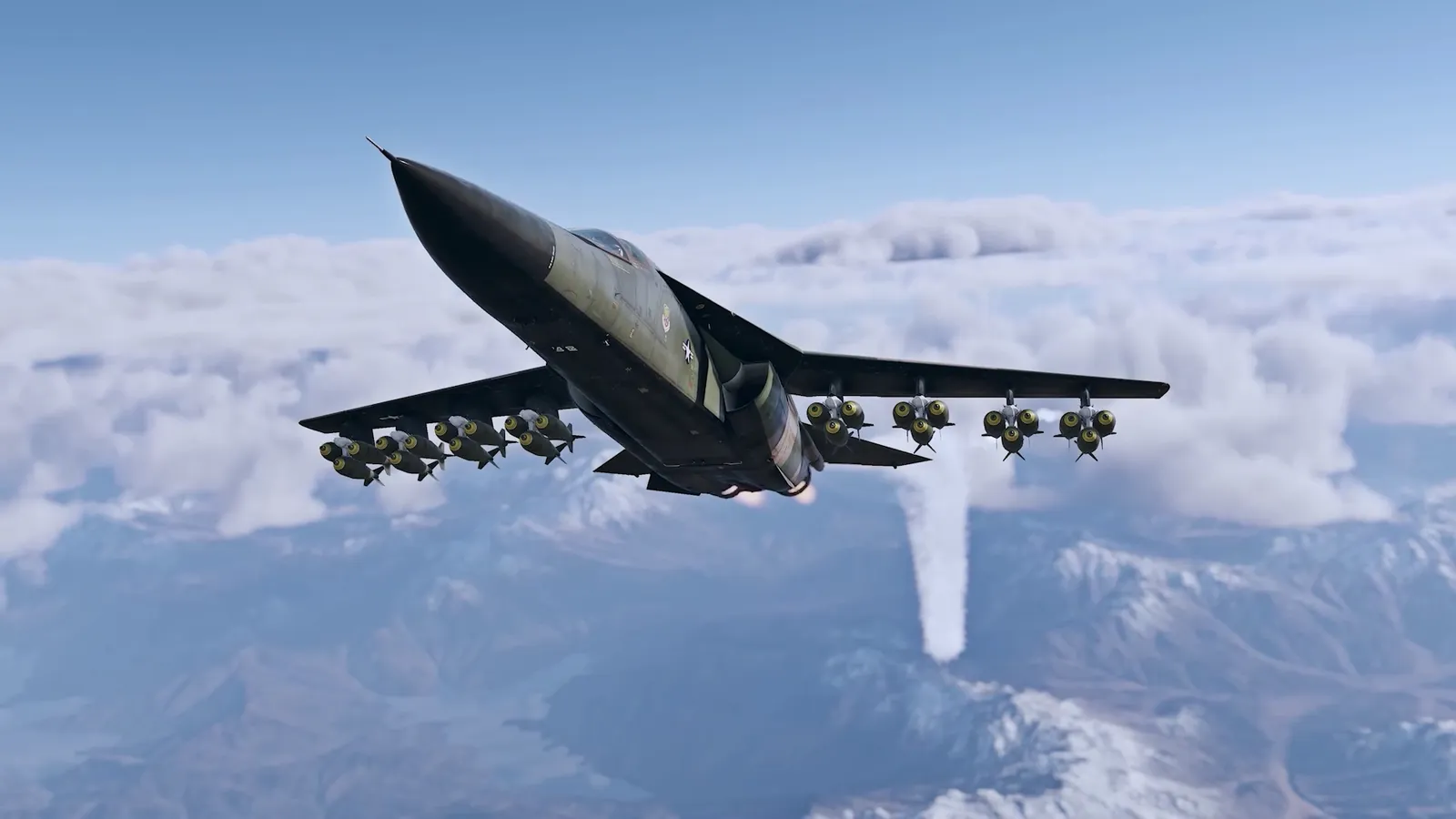
War Thunder is free to play on PC, according to its Steam page and Gaijin's About page, and you install it from Gaijin's launcher or from Steam. Steam lists Windows 10 64-bit, 4 GB of RAM and a GeForce GTX 660 as the minimum, with 70 GB of free space. This War Thunder PC guide covers the install, the specs and the account.
At a glance (November 10, 2026)
- Price: free to play, with no subscription (About page). Premium items are optional.
- Minimum PC on Steam: Windows 10 64-bit, dual-core 2.2 GHz, 4 GB of RAM, GeForce GTX 660 or Radeon 77XX, DirectX 11 (Steam).
- Recommended on Steam: Windows 10/11 64-bit, Core i5 or Ryzen 5 3600, 16 GB of RAM, GeForce GTX 1060 or Radeon RX 570, DirectX 12.
- Disk space: 70 GB minimum and 95 GB recommended on Steam. Gaijin's own pages list 23.1 GB to 75.9 GB and 17 GB to 95 GB, so plan for 95 GB (details below).
- Platforms: Windows, Mac and Linux on PC, plus PlayStation and Xbox with cross-platform play (About page).
- Account: a Gaijin account, created on the registration page or through Steam (Gaijin Support). A permanent internet connection is required.
How to install War Thunder on PC
Gaijin's launcher and Steam are the two routes the publisher documents, and the steps below come from Gaijin's own support pages.
Gaijin's launcher
- Go to Gaijin's War Thunder site and press the red button that fetches the game installer, as Gaijin's install article describes. Create your Gaijin account on the registration page if you do not have one. It asks you to accept the Terms of Service and Privacy Policy and includes an age check.
- Run the saved file, pick the installation language and confirm the destination folder.
- Click Finish. The War Thunder Launcher starts and begins fetching the game files.
- Wait for it to finish, then log in with your Gaijin account.
Steam
- Open the War Thunder Steam page and add the free game to your library.
- Click Install in your Steam library. If the update loops forever, Gaijin's Steam article gives a fix: pause the transfer, rename the War Thunder folder, uninstall in Steam, rename the folder back, then click Install again so Steam verifies the files.
The Steam page also notes kernel-level BattlEye protection that needs manual removal after uninstalling the game. To remove the launcher version, follow the uninstall steps in Gaijin's article.
Gaijin's latest trailer is below, for the Eagle's Shadow update it announced on October 29, 2026. If it makes you want to see the game on your own screen, get War Thunder running free on your PCget War Thunder running free on your PC.
War Thunder PC system requirements
The Steam page gives the clearest Windows table, so check the RAM and GPU lines first. As of November 10, 2026:
| Minimum | Recommended | |
|---|---|---|
| OS | Windows 10 (64-bit) | Windows 10/11 (64-bit) |
| CPU | Dual-core 2.2 GHz | Intel Core i5 or Ryzen 5 3600 |
| RAM | 4 GB | 16 GB |
| GPU | AMD Radeon 77XX / NVIDIA GTX 660 | GeForce GTX 1060 or better / Radeon RX 570 or better |
| DirectX | 11 | 12 |
| Storage | 70 GB | 95 GB |
| Source | Steam | Steam |
For Mac, Steam lists macOS Catalina 10.15, a Core i5 at 2.2 GHz, 6 GB of RAM and 70 GB at the minimum. Gaijin's About page asks for Big Sur 11.0 or newer. Linux needs a modern 64-bit distribution, 4 GB of RAM and an NVIDIA GTX 660 or a similar AMD card with Vulkan support and recent proprietary drivers.
The About page lists 720p as the minimum supported resolution, so a PC at the minimum spec is meant for that resolution.
A mid-range card and 16 GB of RAM are enough for War Thunder to run smoothly for me, with 30 to 60 FPS in busy areas. I had no trouble installing it from the official launcher.
How much disk space does War Thunder need?
Three official pages give three different answers, and the largest recommended figure is the safe one to plan for.
| Official page | Minimum | Recommended |
|---|---|---|
| Steam | 70 GB | 95 GB |
| Gaijin About page, Windows | 23.1 GB ("Minimal client") | 75.9 GB ("Full client") |
| Gaijin registration page | 17 GB | 95 GB |
All figures were read on November 10, 2026. The About page labels its numbers as the minimal and the full client, which suggests the smaller figures are a reduced install. Gaijin does not explain the gap on these pages. If your drive is tight, check the size the launcher or Steam shows before you confirm.
Is War Thunder free on PC?
Yes. The About page says you are free to play the game right away without restrictions or subscription fees, and Steam lists the price as Free to Play. Golden Eagles, premium accounts and premium vehicles are optional purchases. What they do, and how to progress without paying, is in our beginner economy guide.
There is no PC key to buy. Skip resellers that sell one, because the game is free on both routes above.
Steam or Gaijin's launcher: which account should you use?
Pick the route you want to keep, because the two accounts do not merge. Gaijin Support says that a Gaijin account cannot be linked to a Steam profile in War Thunder, that only an account created through Steam login can be linked to the Steam profile, and that purchases in the Steam Store reach only the Steam-linked game account (support article, updated August 22, 2023).
| Steam | Gaijin launcher | |
|---|---|---|
| Account | Created through Steam login | Gaijin account (email) |
| Where you install | Your Steam library | Gaijin's installer |
| Source | Steam | Gaijin Support |
Pick one route before you create your account, because the two accounts do not merge. Two-step authentication on a Steam-created account needs an email linked first, according to Gaijin's two-step article.
Is it safe to install War Thunder?
Yes, when the files come from the sources the publisher documents, Gaijin's launcher and Steam. StashGamer does not host any game file. Skip mirror sites and "optimized installers" that show up in search results, and never install a cracked client.
Third-party tools are risky for your account too. Gaijin's support page on third-party software says nothing of that kind works on gameplay itself, only client modifications, and that "all hacking software is phishing software in depth," meaning it tries to steal your login and password. Skip it. Gaijin's protection is BattlEye, a kernel-level system, plus a second module called Viking inside the game client. Both are PC only, per Stona_WT's April 30, 2026 forum post.
War Thunder Steam charts: how many people play?
The Steam API reported 54,858 players in game when we checked on November 10, 2026 (Steam API). That counts Steam only: players on Gaijin's launcher, PlayStation and Xbox are not in it, and the number moves through the day. The overall Steam rating the same day was Mostly Positive, 72% of 331,109 English reviews.
For the game itself, what it costs and where to go next, start at our War Thunder game overview.
FAQ
Is War Thunder free on PC?
Yes. Steam lists War Thunder as free to play, and Gaijin's About page says you can play it without restrictions or subscription fees. Premium items are optional.
How much space does War Thunder need?
It depends on the page you read. Steam asks for 70 GB minimum and 95 GB recommended, Gaijin's About page lists a 23.1 GB minimal client and a 75.9 GB full client, and the registration page lists 17 GB and 95 GB. Plan for 95 GB.
Can War Thunder run on a low-end PC?
The official minimum is a dual-core 2.2 GHz CPU, 4 GB of RAM and a GeForce GTX 660 or Radeon 77XX, at a minimum supported resolution of 720p.
Is there a War Thunder key to buy for PC?
No. The game is free to play on Steam and on Gaijin's site, so there is no key to buy. Skip resellers that sell one.
Can I play War Thunder on Mac or Linux?
Yes. Steam and Gaijin's About page list requirements for macOS and Linux. Linux needs a 64-bit distribution and a GPU with Vulkan support.
Are the War Thunder servers down?
Gaijin announces maintenance in its news section on warthunder.com. On November 10, 2026, the news list carried no maintenance notice.
Sources
- War Thunder on Steam, accessed November 10, 2026
- War Thunder, About the Game (Gaijin), accessed November 10, 2026
- War Thunder registration page (Gaijin), accessed November 10, 2026
- Gaijin Support, How to install/uninstall War Thunder, accessed November 10, 2026
- Gaijin Support, Game update issues in Steam, accessed November 10, 2026
- Gaijin Support, Linking Gaijin account to Steam profile, accessed November 10, 2026
- Gaijin Support, How to set up the Two-Step Authorization, accessed November 10, 2026
- Gaijin Support, War Thunder Cheats And Hacks, accessed November 10, 2026
- Official forum, Stona_WT, Anti-Cheat, Privacy, and Fair Play, accessed November 10, 2026
- Steam API, current players, accessed November 10, 2026
- War Thunder official news list, accessed November 10, 2026
- War Thunder, Eagle's Shadow Update Trailer!, accessed November 10, 2026
Everything else lives in the War Thunder hub · War Thunder Best Tank and Plane by BR (Nov 2026) · War Thunder Tech Tree: Nations, Ranks, Where to Start.