This post may contain affiliate links. If you buy through them, StashGamer may earn a commission at no extra cost to you — this never affects our editorial opinions. See our advertising & affiliation policy.
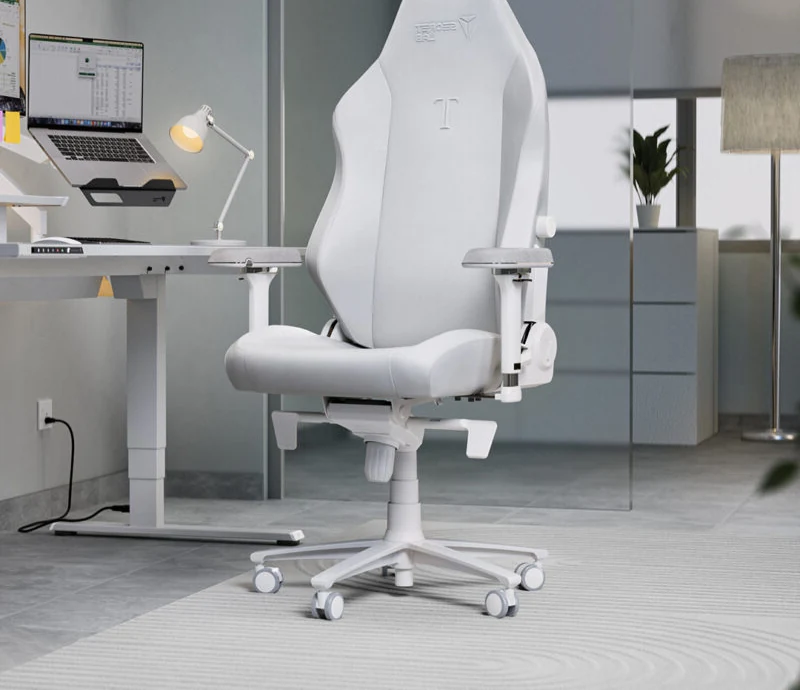
Most "gaming setup" guides show you an inspiration photo and call it a day. We priced two complete setups from zero — desk, chair, lighting, monitor arm, and the small stuff that never makes the shopping list until you're missing it — to show exactly where the money goes at each tier, and where it doesn't matter.
The budget setup: under $600 total (excluding PC)
A functional, comfortable setup doesn't require premium branding on every component. Here's a build we'd actually recommend to someone starting from scratch:
- Desk: A basic 55" laminate gaming desk with cable grommet — around $120–150. Skip the RGB-trimmed desks; the lighting adds cost without adding function.
- Chair: A DXRacer-tier chair, around $350–400. As covered in our chair comparison, this is the strongest entry point for comfort per dollar if you're not logging 6+ hours daily.
- Lighting: A single RGB light bar mounted above the monitor (
$40) plus a basic LED strip behind the desk ($25). This covers 90% of the "gamer aesthetic" for under $70 combined. - Monitor arm: Skip it at this tier — a monitor stand that ships with your display is fine. Save $60–100 here.
- Cable management: A $15 cable tray plus basic velcro ties. Not glamorous, but it's the difference between a setup that photographs well and one that doesn't.
- Extras: A $25 desk mat and a $20 mouse bungee round out the essentials.
Total: roughly $580–620. This setup covers the essentials without cutting corners on the two things that matter most for daily comfort — the chair and the desk surface.
The premium setup: $2,000+ total (excluding PC)
At the top end, the money shifts toward long-term ergonomics, build quality, and lighting that's actually programmable rather than just colorful:
- Desk: A motorized standing desk, dual-motor, with a real weight capacity (200+ lb) — $500–700. This is the single highest-impact upgrade in the premium tier; alternating sitting and standing genuinely reduces fatigue over long sessions.
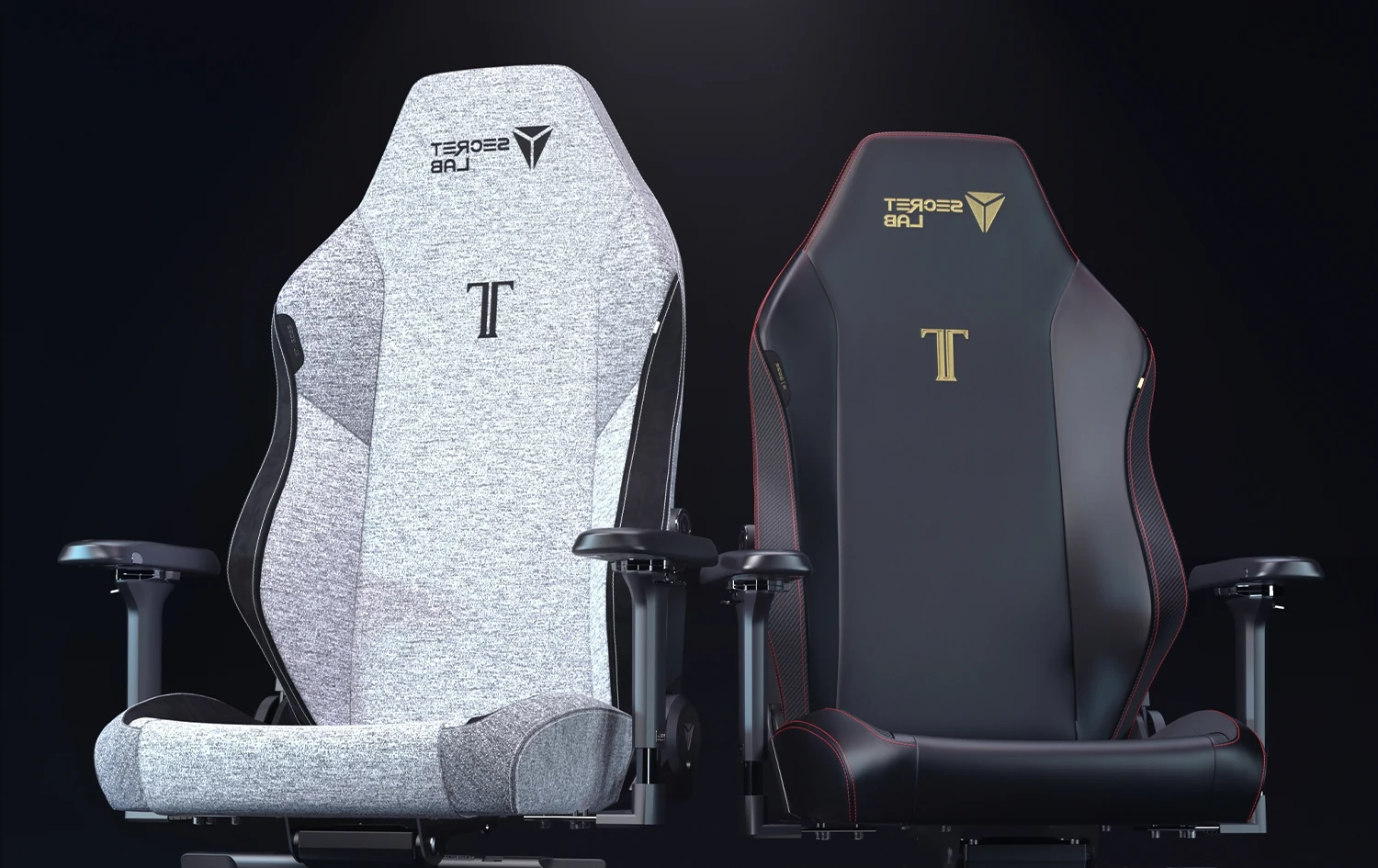
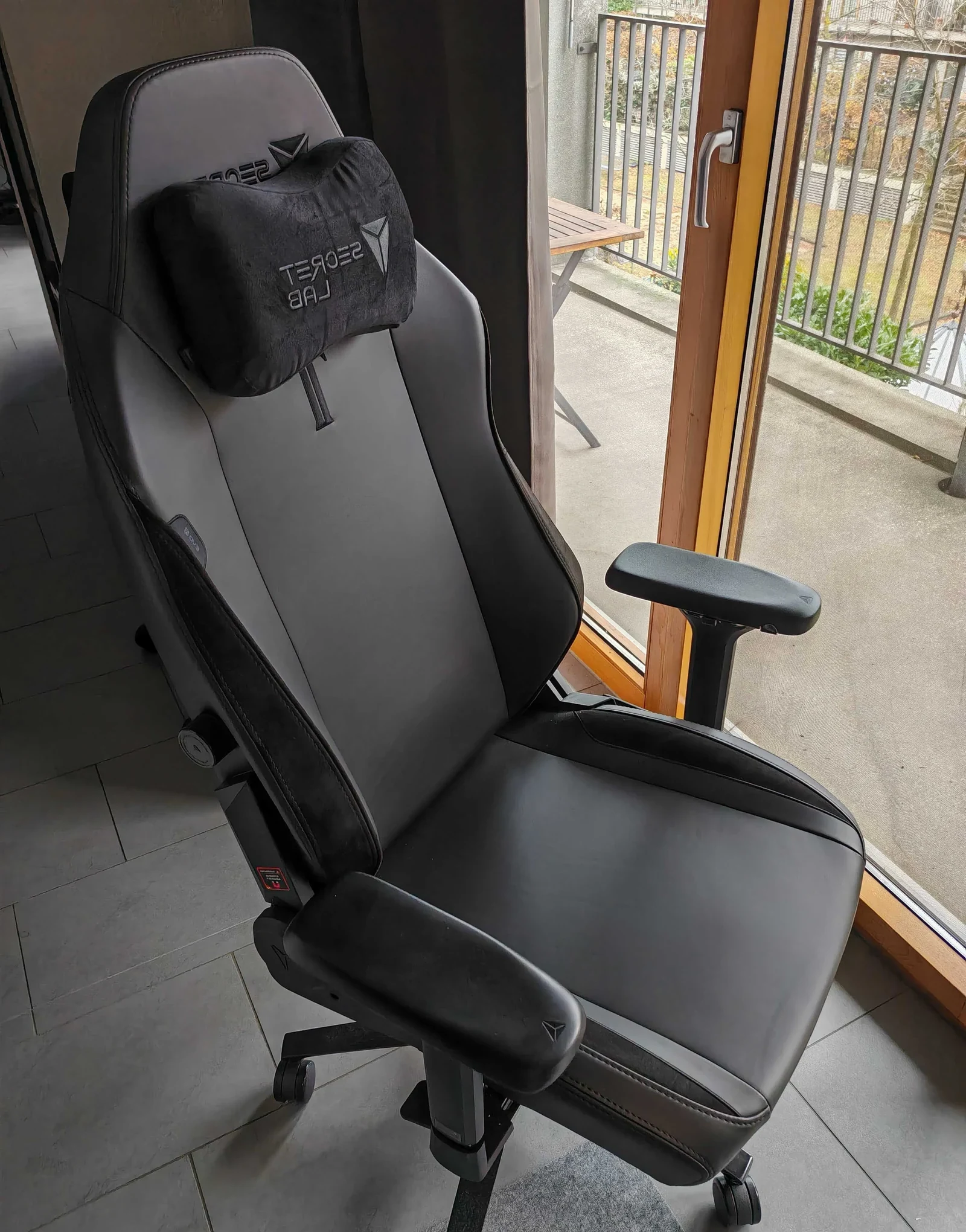
- Chair: The Secretlab Titan Evo, $500–650 depending on fabric. As our chair comparison found, this only pays for itself at 6+ hours of daily use — which is exactly the profile of someone investing in a premium setup.
- Lighting: A full smart-lighting setup — a bias-lighting monitor bar with per-zone control, a wraparound LED strip synced to on-screen content, and a smart desk lamp — roughly $200–250 combined. The difference over budget lighting isn't brightness, it's software sync and zone control.
- Monitor arm: A dual or triple gas-spring arm, $150–250. This frees up desk space and lets you dial in eye-level height precisely — a real ergonomic win, not just aesthetics.
- Cable management: An under-desk cable channel system plus a powered cable tray with USB pass-through, $60–90.
- Extras: A full desk mat (XL, extending under the keyboard and mouse), a proper headphone stand, and a webcam arm — another $100–150 combined.
Total: roughly $1,700–2,100. The jump isn't just "the same stuff but nicer" — it's a standing desk and a chair engineered for all-day use, which is the actual functional upgrade over the budget tier.
Where the money matters — and where it doesn't
Key takeaway: the chair and desk are the only two components in a gaming setup where spending more produces a measurable, felt difference in daily comfort. Lighting and cable management are aesthetic — nice, but they don't reduce fatigue.
We'd rank the impact of each upgrade category like this, from most to least impactful on actual day-to-day comfort:
- Chair — directly affects back pain and posture over hours of use. Highest-impact spend.
- Desk (standing capability) — alternating positions measurably reduces fatigue on long sessions; motorized height adjustment is the premium tier's best-justified expense.
- Monitor arm — real ergonomic benefit (correct eye-level height) once you own it, but not urgent if your stock stand already gets you close.
- Lighting — pure aesthetic. Budget LED strips look nearly as good in photos as $200 synced setups; the premium version is a "want," not a "need."
- Cable management — no functional impact on your gaming, but it's the detail that makes a setup feel finished rather than makeshift.
Which tier should you actually build
If you're setting up for the first time, put your budget-tier savings entirely into the chair — it's the one item you'll regret cheaping out on within three months. If you're upgrading an existing setup and already have a decent chair, the standing desk is the premium-tier upgrade with the best return on comfort. Skip the full lighting overhaul until the functional pieces — chair, desk, arm — are settled; it's the easiest category to add to later without redoing anything else.
The honest verdict after costing both builds: you don't need the $2,000 setup to game well. You need the $600 setup's chair and desk, done right, plus the patience to upgrade lighting and arms later once the fundamentals are dialed in.