This post may contain affiliate links. If you buy through them, StashGamer may earn a commission at no extra cost to you — this never affects our editorial opinions. See our advertising & affiliation policy.
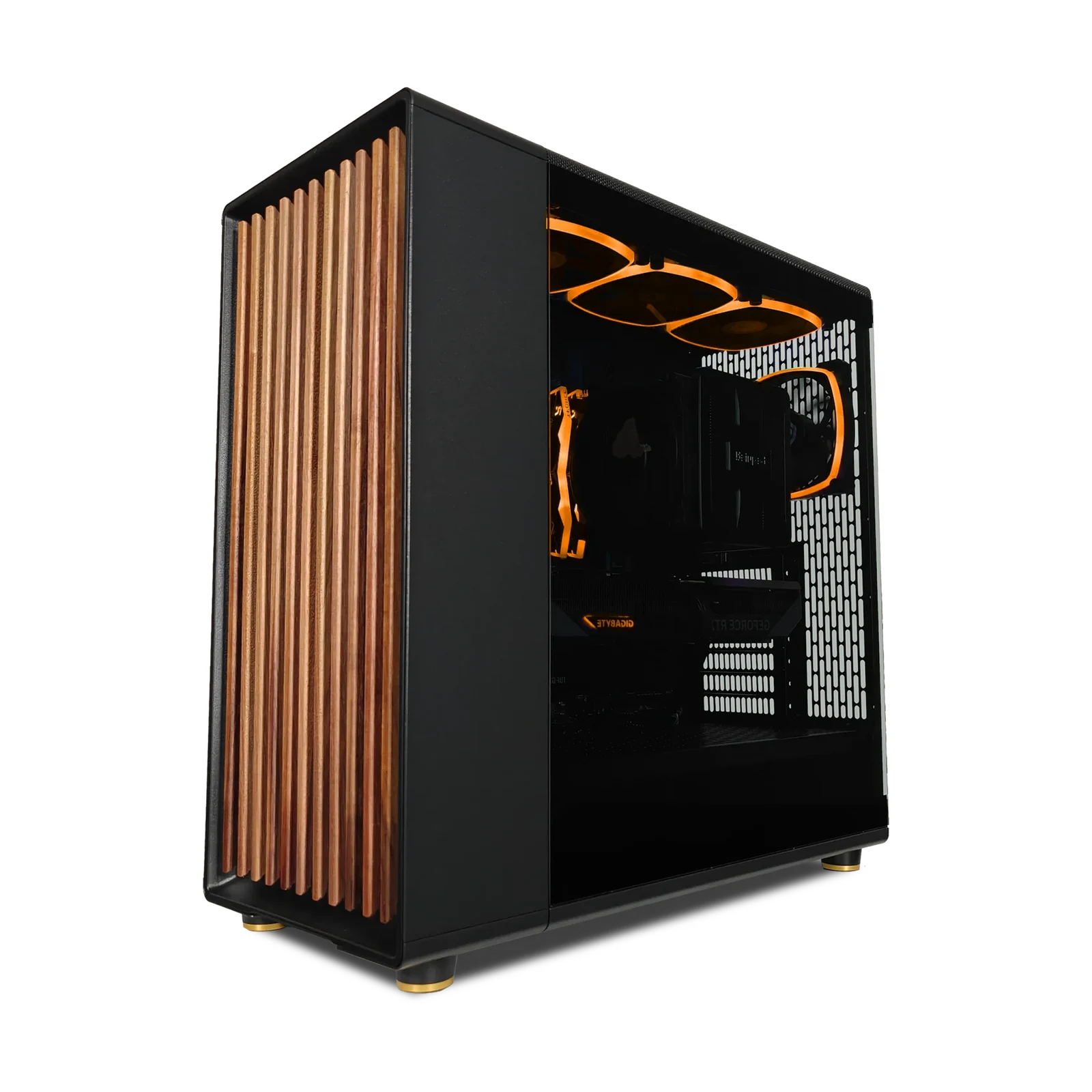
Every gaming PC budget guide promises to tell you "what to buy." Few actually tell you what you're giving up when you spend less. We priced out two realistic 2026 builds — one around $800, one around $1500 — and tested where the extra $700 actually shows up on screen versus where it's just headroom you may never use.
The $800 build: what you're actually getting
At this price, the GPU is the whole story. A realistic $800 build in late 2026 looks something like a Ryzen 5 7600 or 9600X paired with an RTX 5060 (or the AMD equivalent, the RX 9060), 16GB of DDR5, and a 1TB NVMe drive. That combination plays essentially every current title at 1080p on High-to-Ultra settings with stable frame rates, and it handles 1440p at High settings in most non-path-traced titles — competitive shooters, live-service games, most MMOs.
Where it struggles: heavily ray-traced AAA titles at 1440p without upscaling, and any title that leans hard on VRAM above 8GB at max texture settings. This is the tier where DLSS or FSR upscaling stops being optional polish and becomes the setting that keeps your frame rate in triple digits.
- CPU: Ryzen 5 7600 / 9600X or Intel Core i5-class — plenty for 1080p/1440p, won't bottleneck the GPU
- GPU: RTX 5060 or RX 9060 — the actual budget-tier constraint
- RAM: 16GB DDR5-6000 — the practical minimum for 2026 titles, don't go lower
- Storage: 1TB NVMe — enough for a handful of AAA installs before you're managing space
- Realistic ceiling: 1080p Ultra, 1440p High with upscaling on
The $1500 build: where the money actually goes
Step up to $1500 and the upgrade path isn't "everything gets better a little" — it's concentrated almost entirely in the GPU and CPU. A build in this range typically pairs a Ryzen 7 9800X3D (the fastest gaming CPU on the market as of 2026, thanks to its 3D V-Cache) with an RTX 5070 Ti-class card, 32GB of DDR5-6000, and a 2TB PCIe 5.0 NVMe drive.
This is the tier where 1440p at 144Hz+ becomes the default experience, not the exception, and where 4K gaming with upscaling becomes genuinely viable rather than a marketing bullet point. The extra CPU horsepower also matters more than most budget guides admit — in CPU-bound scenarios (dense MMO raids, strategy games, simulation-heavy titles), the 9800X3D's cache advantage shows up as smoother 1% lows, not just higher average FPS.
- CPU: Ryzen 7 9800X3D — the 3D V-Cache advantage is real in CPU-limited games
- GPU: RTX 5070 Ti-class — roughly 40–50% more raw performance than the $800 tier's GPU
- RAM: 32GB DDR5-6000 — future-proofs against increasingly RAM-hungry titles
- Storage: 2TB PCIe 5.0 NVMe — faster load times, room for a full library
- Realistic ceiling: 1440p at 144Hz+ Ultra, solid 4K with DLSS/FSR upscaling
Where the extra $700 actually shows up in FPS
Key takeaway: the jump from $800 to $1500 buys roughly 40–50% more raw GPU throughput, a meaningfully faster CPU for CPU-bound games, and double the RAM and storage headroom — not a linear "twice the price, twice the performance" curve.
In GPU-bound titles at 1080p, the difference between tiers is often smaller than people expect — both builds can hit high frame rates, just at different settings. The gap widens sharply at 1440p and becomes enormous at 4K, where the $800 build needs aggressive upscaling to stay playable and the $1500 build handles it comfortably. If you're on a 1080p 144Hz monitor and plan to stay there for years, the $800 tier is arguably the smarter buy — you're paying for resolution headroom you won't use.
Which tier makes sense for you
- Buy the $800 tier if: you game at 1080p, you're fine using upscaling for the occasional demanding title, and you'd rather save $700 toward a monitor, chair, or peripherals.
- Buy the $1500 tier if: you own or plan to own a 1440p/144Hz+ or 4K monitor, you play CPU-intensive genres (MMOs, strategy, sims), or you want a build that stays comfortable at max settings for 3–4 years without a mid-cycle GPU upgrade.
- Skip the middle ground of stretching to $1000–$1200 unless: you specifically need the extra VRAM (12–16GB) for high-texture modding or content creation alongside gaming — otherwise you're often better off going all the way to the $1500 CPU/GPU pairing or staying disciplined at $800.
The real lesson from pricing both builds side by side: your monitor's resolution and refresh rate should dictate which tier you buy, not the other way around. Buying $1500 worth of GPU to feed a 1080p/60Hz panel is money left on the table — and buying an $800 GPU to feed a 1440p/165Hz panel means you'll be turning down settings within a year.